Transcription Audio
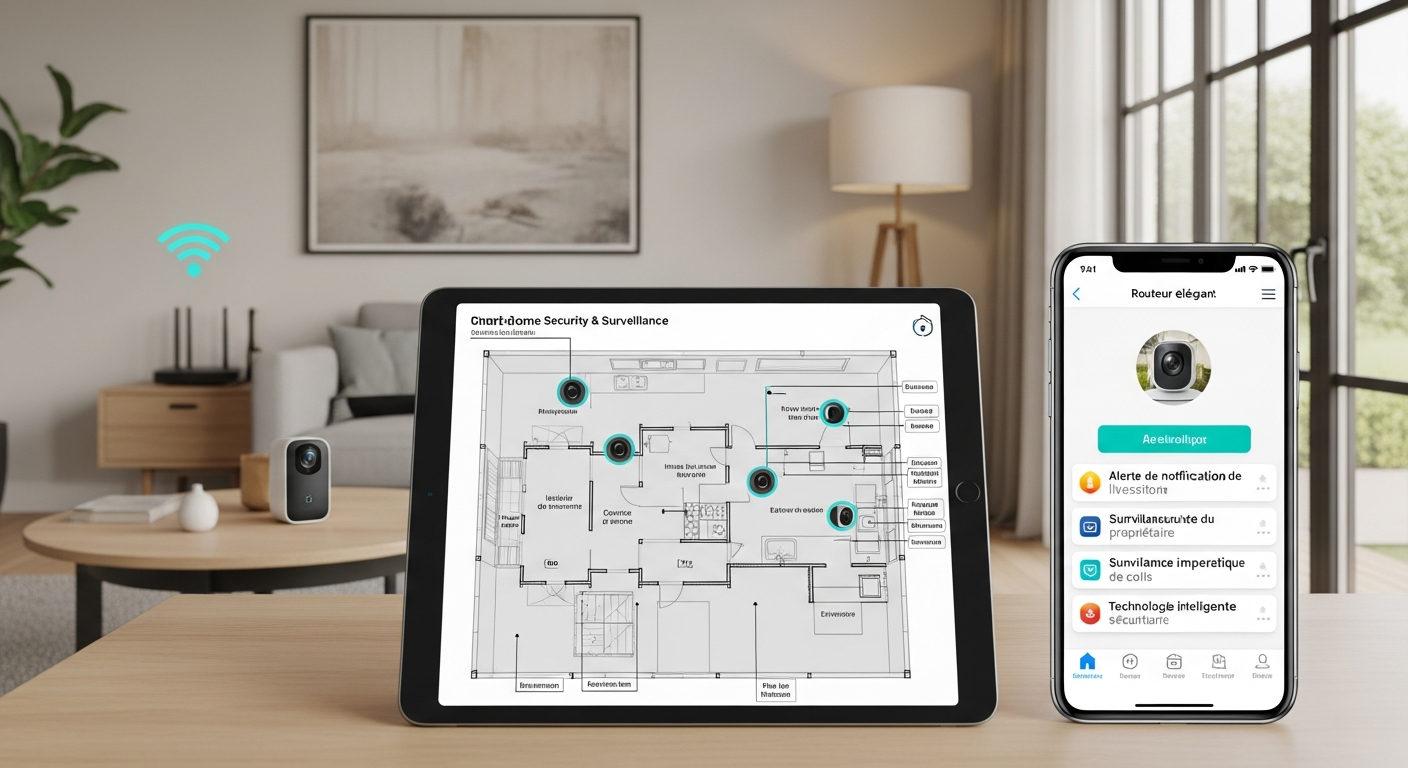
Beginner's Blueprint: Building a Smart Home Security System That Actually Works
18 décembre 2025
Listen to audio:
Transcript Text
Hello and welcome. Picture this: a package lands at 1:07 p.m. By 1:19, it’s gone. Your doorbell camera chirped all afternoon, but somehow there’s no clip that shows the hand that took it. It’s not your gear—it’s the system underneath it. I’ve spent a decade helping people go from “I have gadgets” to “I have a system.” The same pitfalls pop up: weak Wi‑Fi at the edges, cameras aimed at traffic instead of faces, alerts for everything so the important ones get drowned out, and no plan for power or internet hiccups. The fix isn’t a hundred devices or a pro install. It’s a plan, a spine, and smart placement. Think like a pro, buy like a smart consumer. There’s a phrase I love: Swiss cheese security. You think you’ve covered every hole, but if the slices line up, the holes line up. One doorbell camera might see someone walking toward your front door, but if they slip in through the side gate, your recording starts too late. Or your motion sensor is fine—until a summer storm knocks your Wi‑Fi offline and the house goes blind and quiet. The good news: beginner setups can now be serious protection. Four shifts made it easier: - Home Wi‑Fi got better. Modern routers and mesh systems keep cameras connected at the edges. - Cameras got smarter. They detect people, vehicles, and packages instead of every leaf and headlight. - Tiny battery sensors leveled up. They last longer and respond faster. - Many DIY alarms offer cellular backup, so you’re covered when the internet drops. In plain English: less noise, more signal, and a safety net. So how do we build a system that works? Start with a 30‑day security goal. Ask: what one problem do I want solved this month? Pick one outcome, nail it, then expand. - Porch theft? Place a doorbell camera to see faces, not the street, and add a motion light that pops on when someone steps onto the porch. - Late‑night driveway activity? Get two exterior views with person or vehicle detection and a bright floodlight at the choke point. - Break‑ins? Put sensors on the doors you actually use, add a loud siren, and cover the main approach with a camera. When people pick one goal and nail it, they stop overspending. Most “whole‑home bundles” chase problems you don’t actually have. Cover the vulnerable spot properly and you’ll feel the difference. Next, do a three‑time walk: morning, afternoon, and after dark. Risks change with light and routine. Most break‑ins happen when you’re at work, not asleep. That changes where you point cameras and when alerts matter. Map your home like a pro. Sketch your entry points—front, back, garage. Mark high‑value zones: office, primary bedroom, safe closet, the room with game consoles. Take your phone to likely camera spots and test Wi‑Fi there. If your phone struggles, the camera will too. That tells you where you’ll need mesh, a wired run, or a solar‑powered camera. Planning power and network before drilling saves money and headaches. Use the “path of least resistance.” Stand across the street. What’s hidden from neighbors? Where could someone approach unseen? Usually it’s the side gate, the back slider, or a tucked first‑floor window. Those are your pressure points. Cameras do their best work at choke points: the gate, walkway, garage entry, and the top of the stairs inside. Place them where faces pass close—not where cars zip by. Now, the spine. This is your backbone—the app and ecosystem you’ll actually open daily. Pick one and keep most of your devices there. Apple Home, Google Home, or a brand like Ring or SimpliSafe that bundles cameras, sensors, and optional monitoring—your call. The logo doesn’t matter. Consistency does. When everything talks in one place, you adjust less, troubleshoot less, and respond faster. Prefer privacy and on‑device processing? Choose that. Prefer dead‑simple automation? Choose that. Build around it. You can add specialty gear later. You need one home base now. Placement and power quietly win. Mount cameras to see faces around head level, not way up under the eaves. Aim at the walkway, not the street. Avoid pointing into sunrise or sunset. Lighting is your friend—a $50 motion light at the right angle can beat a second camera. If possible, plug exterior cameras into outlets with weatherproof covers to avoid battery swaps. If wiring’s impossible, solar add‑ons save ladder trips. Inside, think paths, not rooms. A single camera that sees the hall every room connects to often beats two in corners. Let’s fix alerts. The fastest way to hate your system is to let it ping you for everything. Use person, vehicle, and package detection—not generic “motion.” Draw detection zones so the camera ignores the sidewalk and cares about your porch. Turn off duplicate alerts at night if a floodlight already tells you someone’s there. For non‑urgent events—like driveway motion during business hours—use a daily summary instead of real‑time buzzes. Treat your attention like a battery. Save live alerts for moments you’ll act on. Continuity is the piece beginners skip and pros obsess over. What happens when the internet goes down? When the power blinks? A small battery backup for your router and main hub keeps your system alive through short outages. DIY alarms with cellular backup keep your siren and monitoring online if the cable gets cut. If you use cloud cameras, consider one that also records locally to a card or hub. Redundancy is boring—until it’s the only reason you have footage. Quick word on permits and false alarms. Many cities require a permit for monitored alarms or loud sirens. It takes ten minutes to check—and can save fines and headaches. Test monthly, like a smoke alarm: confirm notifications hit the right phones and the siren still makes you jump. Here are three weekend blueprints: Porch pirates: - Mount a doorbell camera to capture faces head‑on. - Add a motion light that triggers as someone steps onto the porch. - Set alerts to “people” and “packages,” not general motion. - Draw a zone that excludes the street; this alone can halve your pings and double useful clips. Driveway visitors: - One camera on the approach to the driveway, one closer to catch faces near the car door. - Enable vehicle detection so you know if someone pulled in versus headlights passing. - Use a floodlight triggered by person detection—deterrence without a word. General break‑in risk: - Entry sensors on doors you actually use first—not every window on day one. - A siren you can hear from the sidewalk. - One indoor camera on the hallway connecting main rooms, and one outside covering the most hidden door. - An alarm with optional cellular backup to outlast internet hiccups. Notice we’re not securing the planet on day one. We’re planting stakes where they matter and ensuring the alerts we get are alerts we respect. Budget wise: pros charge thousands for design, labor, and service. This blueprint borrows their principles to get most of that peace of mind for a fraction of the cost. With a solid plan, a single app, smart placement, and continuity for bad days, even budget gear punches above its weight. About the new tech alphabet soup: standards for door sensors and locks have matured. That means small battery devices wake fast, work reliably, and last longer. Cameras still do their own thing, and that’s fine. Pick the camera that fits your goal and ecosystem, then move on. If you love Apple’s privacy approach, go there. If you want Google’s routines, do that. If a single brand’s all‑in‑one alarm fits, that’s your spine. There’s no prize for perfect—only for consistent. Here’s your three‑step challenge this week: 1) Pick your 30‑day goal. Say it out loud: porch packages, driveway at night, or break‑in risk. 2) Do the three‑time walk and the across‑the‑street check. Mark the path of least resistance and one choke point to cover. 3) Choose your spine—the app you’ll actually use—and install one solution to nail that goal. Place it with intent, set smart alerts, and test it at the times you care about. That’s it. Don’t buy more until that one piece works beautifully. If your cameras spam you, tame them. If your Wi‑Fi gasps at the edge, fix that before adding devices. If power blips kill your gear, add a tiny backup for the router. Small, boring steps build a system you can trust. When you want model picks, placement diagrams, router tips, and exact settings, grab the written guide. But you don’t need any of that to start. You need a goal, a map, a spine, and the discipline to place one camera or sensor like you mean it. The difference between a box of gadgets and real peace of mind isn’t money—it’s strategy. Build the foundation, then add the fancy stuff. Do that, and the next time a package lands on your porch, the only notification you’ll get is the one that matters—and the clip will show exactly what you need to see.